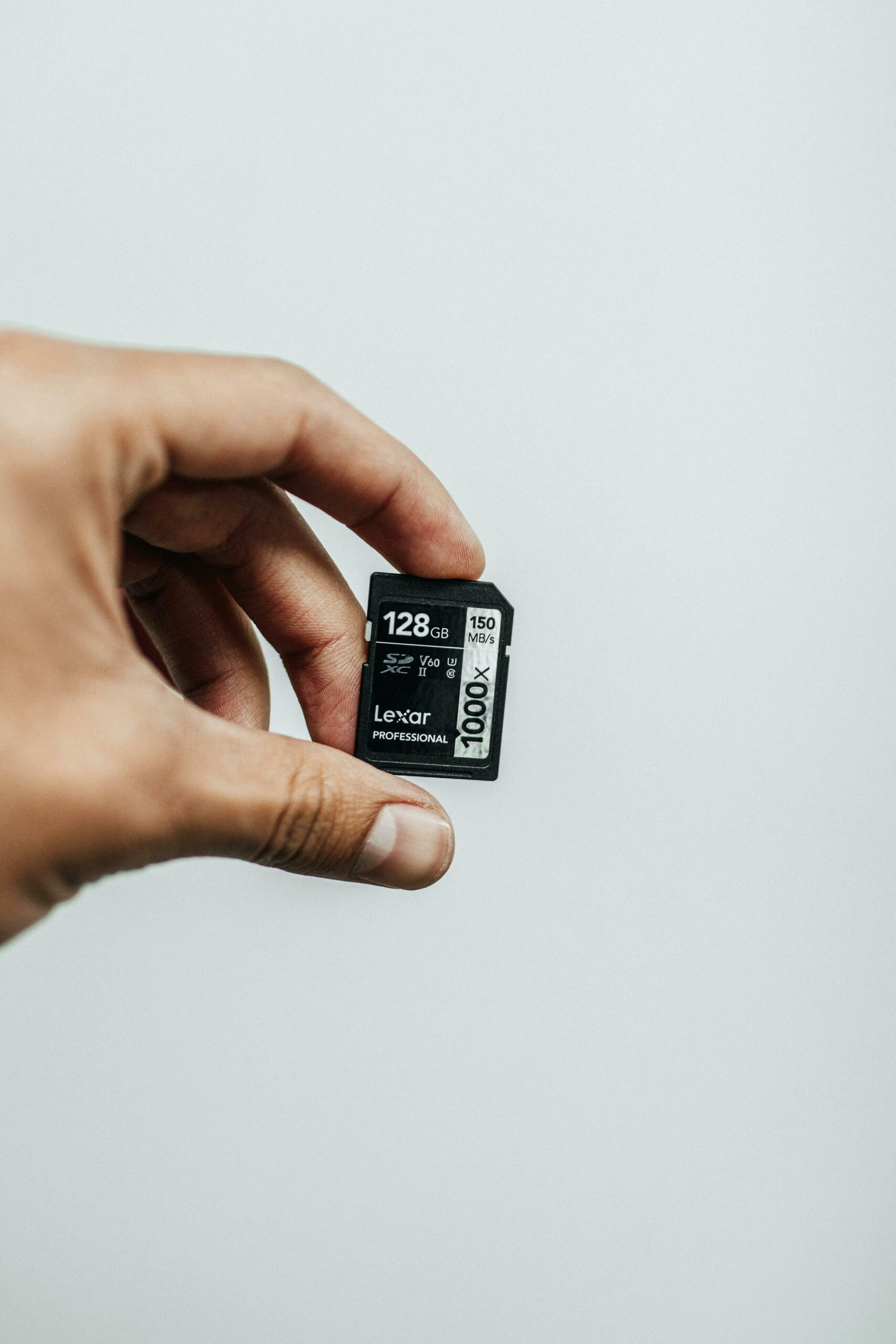
For years, “exFAT on Linux” was a chore. The proprietary spec, the licensing fights, and the patchy out-of-tree drivers meant most distros shipped exfat-fuse — a userspace FUSE driver that worked but was slow and occasionally corrupted partitions on unclean unmount. People who needed it (camera SD cards, Samsung phones, large external drives formatted for cross-OS use) just lived with it.
That’s been fixed for a while now — Linux 5.4 (released late 2019) merged Samsung’s in-kernel exFAT driver, which is mature, fast, and reliable. But the FUSE driver is still installed by default on a lot of distros, and old habits mean people don’t switch. Here’s what the difference actually is in 2026 and how to make sure you’re using the right one.
Check what’s currently mounting your exFAT
mount | grep -i exfat
# /dev/sda1 on /mnt/sd type exfat (rw,relatime,fmask=0022,dmask=0022,iocharset=utf8)
# vs.
# /dev/sda1 on /mnt/sd type fuseblk (rw,nosuid,nodev,relatime,user_id=0,group_id=0...)
If your type is exfat, you’re on the kernel driver. If it’s fuseblk, you’re on the FUSE driver. The kernel driver is what you want.
Why kernel exfat is meaningfully better
- Speed. 2-4× faster on sequential reads, 5-10× faster on small-file workloads. The FUSE round-trip (kernel → userspace → kernel) is real overhead.
- Crash safety. The kernel driver writes the volume’s “dirty bit” correctly. FUSE-exfat sometimes fails to clear it on unmount, leading to forced fsck on every mount of an “uncleanly unmounted” volume — a partition that’s actually fine.
- Native I/O scheduler. Kernel-level mounts get all the kernel’s I/O goodness (writeback caching, readahead, blockdev queue tuning). FUSE bypasses most of it.
- Trim/discard support. Kernel exfat properly issues DISCARD on file deletion (with
-o discard). FUSE-exfat does not, which matters for SSDs and SD cards over time.
Switching to the kernel driver
On Ubuntu/Debian:
# 1. Install kernel-side userland helpers (mkfs, fsck)
sudo apt install exfatprogs

# 2. Remove the FUSE driver so mount.exfat doesn't pick it up
sudo apt remove exfat-fuse

# 3. Verify the kernel module is available
modinfo exfat | head
# filename:       /lib/modules/$(uname -r)/kernel/fs/exfat/exfat.ko
# license:        GPL
# author:         Samsung Electronics Co., Ltd.

# 4. Mount and verify
sudo mount -t exfat /dev/sda1 /mnt/sd
mount | grep sd
# /dev/sda1 on /mnt/sd type exfat (rw,relatime,...)  ← good, kernel driver
exfatprogs is the right userland — Samsung’s modern tools (mkfs.exfat, fsck.exfat, tune.exfat) that match the kernel driver’s behaviour. The older exfat-utils package is for the FUSE driver and you don’t need both.
fstab entry that survives unclean unmounts
# /etc/fstab
UUID=ABCD-1234  /mnt/sd  exfat  defaults,nofail,uid=1000,gid=1000,umask=0022,discard  0  0
nofail— don’t block boot if the volume isn’t present (essential for removable media).uid/gid— exFAT has no Unix permissions, so the kernel pretends every file is owned by this user. Set it to your user.umask=0022— give yourself rwx, others rx. Adjust to taste.discard— DISCARD on file deletion. Worth it for SSDs and SD cards. Skip it on USB sticks where the firmware’s TRIM behaviour is unreliable.
The corruption gotcha (rarely, but still possible)
Even with the kernel driver, exFAT corruption can happen if a write is interrupted mid-flight (laptop unplugged during a copy, USB cable yanked). exFAT has no journal — it’s a Microsoft consumer filesystem and they didn’t add one. Recovery procedure:
# 1. fsck always — kernel and FUSE both clear the dirty bit honestly.
sudo fsck.exfat -r /dev/sda1

# 2. If fsck.exfat reports unfixable corruption, fall back to mounting read-only and copying off
sudo mount -t exfat -o ro /dev/sda1 /mnt/recovery
rsync -avh /mnt/recovery/ /backup/
sudo umount /mnt/recovery

# 3. Reformat
sudo mkfs.exfat -L MyDrive /dev/sda1
If your data matters and the partition is suspect, always copy off before fsck’ing. fsck can sometimes turn a recoverable filesystem into a less-recoverable one if it makes the “wrong” repair choice.
The “should I use exFAT at all?” question
Where exFAT genuinely makes sense:
- SD cards in cameras, drones, dashcams — all the firmware ecosystems standardised on exFAT.
- External drives shared between Linux, macOS, and Windows. exFAT is the only filesystem all three read/write natively without third-party drivers.
- Files larger than 4 GB on cross-platform media (FAT32 caps out at 4 GB per file).
Where exFAT is the wrong choice:
- Linux-only volumes — use ext4 or xfs.
- Backup destinations where you care about checksums and metadata — use btrfs, zfs, or restic-on-anything.
- Anything that needs Unix permissions, hard links, or symbolic links. exFAT has none of those.
The kernel driver makes exFAT survivable on Linux. It doesn’t make exFAT a good choice for everything. Use it where you must (cross-platform sharing, camera media), use ext4 where you can.
Cover photo: jibarofoto on Pexels.