The ‘fake plugin’ WordPress malware family: how to spot random-named directories in bulk

A row of blue and orange CASSA-brand office binders neatly stacked on a shelf — visual metaphor for plugin directories that look identical on the outside but may contain very different things inside (photo: zulfugarkarimov / Pexels)

One of the most common WordPress malware patterns I’ve cleaned in the last two years isn’t a webshell or a credential stealer — it’s a “fake plugin” or “fake theme.” The attacker creates a directory in wp-content/plugins/ or wp-content/themes/ with …


Block WordPress REST API user enumeration without breaking the admin

Close-up of JavaScript code showing ajaxTransport, encodeURIComponent, and readyState functions — typical view of REST API client code (photo: Markus Spiske / Pexels)

By default every WordPress install since 4.7 leaks usernames over a public, unauthenticated REST endpoint. Anyone — no login, no auth header, just a browser — can hit https://yoursite.com/wp-json/wp/v2/users and get a JSON array of every user the site considers …

Recovering a malformed wp_options.active_plugins: the SQL REPLACE() trap and how to rebuild

A nearly-complete white jigsaw puzzle with one piece sitting outside its slot, exposing the blue surface beneath — visual metaphor for one wrong byte breaking the whole serialized array (photo: Mike Van Schoonderwalt / Pexels)

You have a WordPress site that’s returning HTTP 200, the homepage renders, but something’s quietly off. WooCommerce features aren’t loading. LiteSpeed Cache settings page is empty. The Mailpoet sender isn’t sending. None of these would normally fail at the same …

The wp_options.siteurl hijack: how a one-row UPDATE redirects every visitor and how to spot it before Google does

Metal directional arrow plate on a wooden floor — photo by Max Laurell on Pexels

One of the simplest, oldest, and still most effective WordPress compromises is a single SQL update. The attacker gets one query into your database — through any RCE, SQLi, or stolen-credential path — and runs:

UPDATE wp_options
   SET option_value = 

Block PHP execution in wp-content/uploads on OpenLiteSpeed: the right .htaccess snippet

Computer monitor displaying terminal output: system metrics, file listings, and kernel error messages — typical sysadmin view (photo: Tima Miroshnichenko)

wp-content/uploads/ is the most predictable target on a WordPress install. It’s writable by the web server (so any compromise that gets a file uploaded lands here), it’s almost never inspected by malware scanners with the same vigilance as wp-includes/, …

The .hph extension trick: how WordPress malware survives cleanups by shadowing .php files

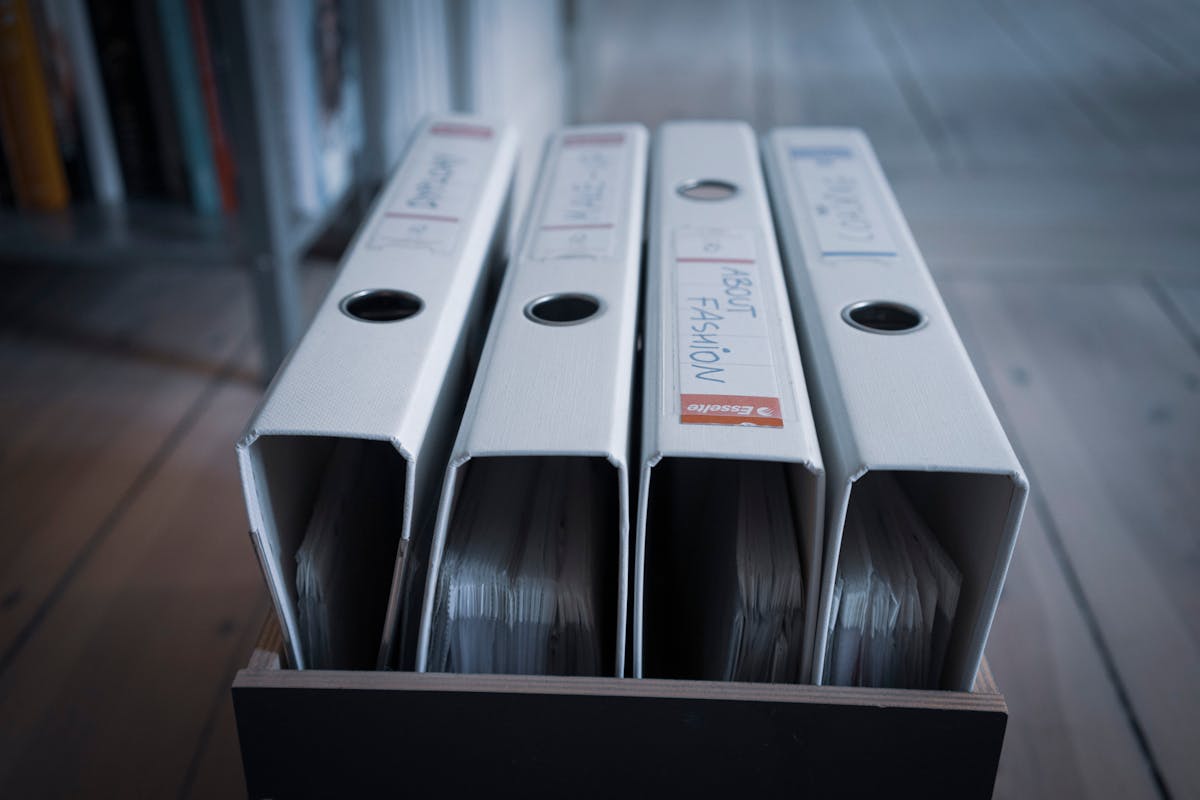
Four nearly identical white binders standing in a wooden box, suggesting how easy it is to overlook a slightly differently-named file in a directory listing (photo: Mateusz Dach / Pexels)

You clean a WordPress malware infection. You find every .php file with the suspicious signature, quarantine it, restore from backup, harden the site. Three weeks later the same backdoor is back. Same filename, same content, same behavior. You’re sure you …