The 3-2-1 backup rule is older than this whole industry: 3 copies of the data, on 2 different media types, with 1 of them offsite. It’s the conservative answer for a reason — ransomware can take out one local copy, a fire takes out two, and the offsite copy is what saves the year. For a one-person infra (a homelab, a personal server, a small consultancy with a couple of VPSes), implementing 3-2-1 properly without spending hours each week running it is the actual problem.
This is the version I run on a personal stack: rsnapshot for fast local snapshots to a NAS, restic for encrypted offsite backups to Backblaze B2, and a quarterly cold-mirror to a USB drive that lives elsewhere. Daily rotation, total monthly cost ~$3 for the cloud half, and full restorability tested.
The architecture
- Copy 1: the live data on your servers / laptops. The thing that exists today.
- Copy 2 (local fast): rsnapshot to a NAS. Hardlink-based; restoring a single file from yesterday is instant. Survives accidental deletion, ransomware on the source, drive failure.
- Copy 3 (cloud encrypted): restic to Backblaze B2. Survives “house burns down.” Encrypted client-side so B2 sees only opaque blobs.
- Copy 4 (quarterly cold): USB drive at a relative’s house. Survives “my B2 account gets locked out” and “my house AND the cloud both fail.”
Three copies satisfies 3-2-1; the fourth is paranoia insurance and worth the small effort.
Layer 2 — rsnapshot to the NAS
rsnapshot uses rsync’s hardlink feature: only changed files actually consume disk on the target, but every snapshot looks like a complete backup directory. 30 daily snapshots of a 200 GB source might use ~210 GB on the NAS, not 6 TB.
# /etc/rsnapshot.conf  (relevant bits)
snapshot_root   /mnt/nas/backups/

retain          daily   7      # keep 7 daily snapshots
retain          weekly  4      # plus 4 weekly
retain          monthly 6      # plus 6 monthly

# what to back up
backup  /home/                      laptop/
backup  /etc/                       laptop/
backup  /var/lib/docker/volumes/    laptop/
backup  rehmat@server.example:/srv/ server/    # remote via ssh

# crontab
30 1 * * *  /usr/bin/rsnapshot daily
30 2 * * 0  /usr/bin/rsnapshot weekly
30 3 1 * *  /usr/bin/rsnapshot monthly
Restoring is the easy part: cp -a /mnt/nas/backups/daily.0/laptop/etc/nginx/nginx.conf /etc/. No tool needed; the snapshot directory IS the backup.
Layer 3 — restic to Backblaze B2
restic does encrypted, deduplicated, incremental backups to a remote bucket. ~200 GB of source data backs up to ~110 GB of B2 storage after dedup, costing ~$0.50/month. Its encryption is real (xchacha20+poly1305); B2 has no way to see your file names, sizes, or contents.
# /root/restic-env.sh  (NOT in git)
export RESTIC_REPOSITORY="b2:my-backup-bucket:server"
export B2_ACCOUNT_ID="0012345..."
export B2_ACCOUNT_KEY="K001..."
export RESTIC_PASSWORD_FILE="/root/.restic-passphrase"   # mode 600

# /etc/cron.daily/restic-backup
#!/usr/bin/env bash
. /root/restic-env.sh
restic backup /home /etc /var/lib/docker/volumes \
       --exclude-caches --exclude='**/.cache/**' \
       --tag daily

# Prune old snapshots (run weekly):
restic forget --keep-daily 7 --keep-weekly 4 --keep-monthly 12 --prune
The passphrase is what makes this safe; lose it and the backup is unrecoverable. Store it in 1Password / your password manager.
Layer 4 — quarterly cold mirror
Once a quarter (calendar reminder; this is the one manual bit), I rsync the entire NAS backups directory to a 4TB USB drive, then physically take it to a relative’s house in a sealed box. The drive lives in a desk drawer; I bring it back next quarter to refresh.
# with the USB drive plugged into the NAS:
rsync -aH --delete /mnt/nas/backups/ /mnt/usb-cold/backups/
sync
umount /mnt/usb-cold
Encrypt this drive too — LUKS on Linux, FileVault if it’s exFAT-on-Mac. The drive sits at someone else’s house; treat it like luggage you might lose at an airport.
The verification ritual that catches “my backups don’t actually work”
Untested backups are not backups. Once a month, do a real restore drill. Pick a folder you know well, restore it from each layer to a scratch location, diff against the live data:
# From rsnapshot:
diff -r /home/me/Documents /mnt/nas/backups/daily.0/laptop/home/me/Documents

# From restic:
mkdir /tmp/restore-test
restic restore latest --target /tmp/restore-test --include /home/me/Documents
diff -r /home/me/Documents /tmp/restore-test/home/me/Documents

# From cold drive:
diff -r /home/me/Documents /mnt/usb-cold/backups/daily.0/laptop/home/me/Documents
If the diffs come back empty (modulo files modified since the last backup ran), the backup chain is healthy. If anything is weird, fix it now — the worst time to discover backup-rot is when you actually need it.
Cost in 2026
- NAS: one-time $500 for a Synology DS224+ + two 8TB WD Red Plus drives. Or a $200 Pi 5 + USB drive case if you’re frugal.
- Backblaze B2: $6/TB/month, plus $0.01/GB egress when restoring. ~200 GB backed up = ~$1.20/month. Add download fees during a real restore.
- Cold drive: $90 for a 4TB external HDD. One-time.
- Time: ~30 minutes to set up the whole stack. ~10 minutes per quarter for the cold-mirror trip. ~5 minutes per month for the verification drill.
Total monthly: ~$3. For three independent recoveries and the kind of paranoia margin that lets you sleep through a thunderstorm.
The mistakes I learned to avoid
- Don’t put the restic password in git. Even a private repo. Use 1Password / Vaultwarden / a sealed envelope.
- Don’t back up to the same disk you’re backing up from. Obvious, but I’ve seen people put rsnapshot’s
snapshot_rooton the same drive as/home. One bad sector, both gone. - Don’t ignore the prune step. Without
restic forget --prune, your B2 bill silently grows over time. Run it monthly. - Don’t assume B2 will never lock your account. They’re a good vendor, but accounts get locked for weird reasons. The cold drive at a relative’s house is the answer.
- Don’t keep the encryption key in only one place. If the only copy is in 1Password, and you lose 1Password, the backup is unrecoverable. Print it on paper, store in a fire-safe box, or put a copy in a safety-deposit box.
Set this up once on a quiet weekend, automate everything via cron, run the monthly drill on the same day every month. After that the backups become invisible until something breaks — at which point they’re the only thing standing between you and a very bad week.
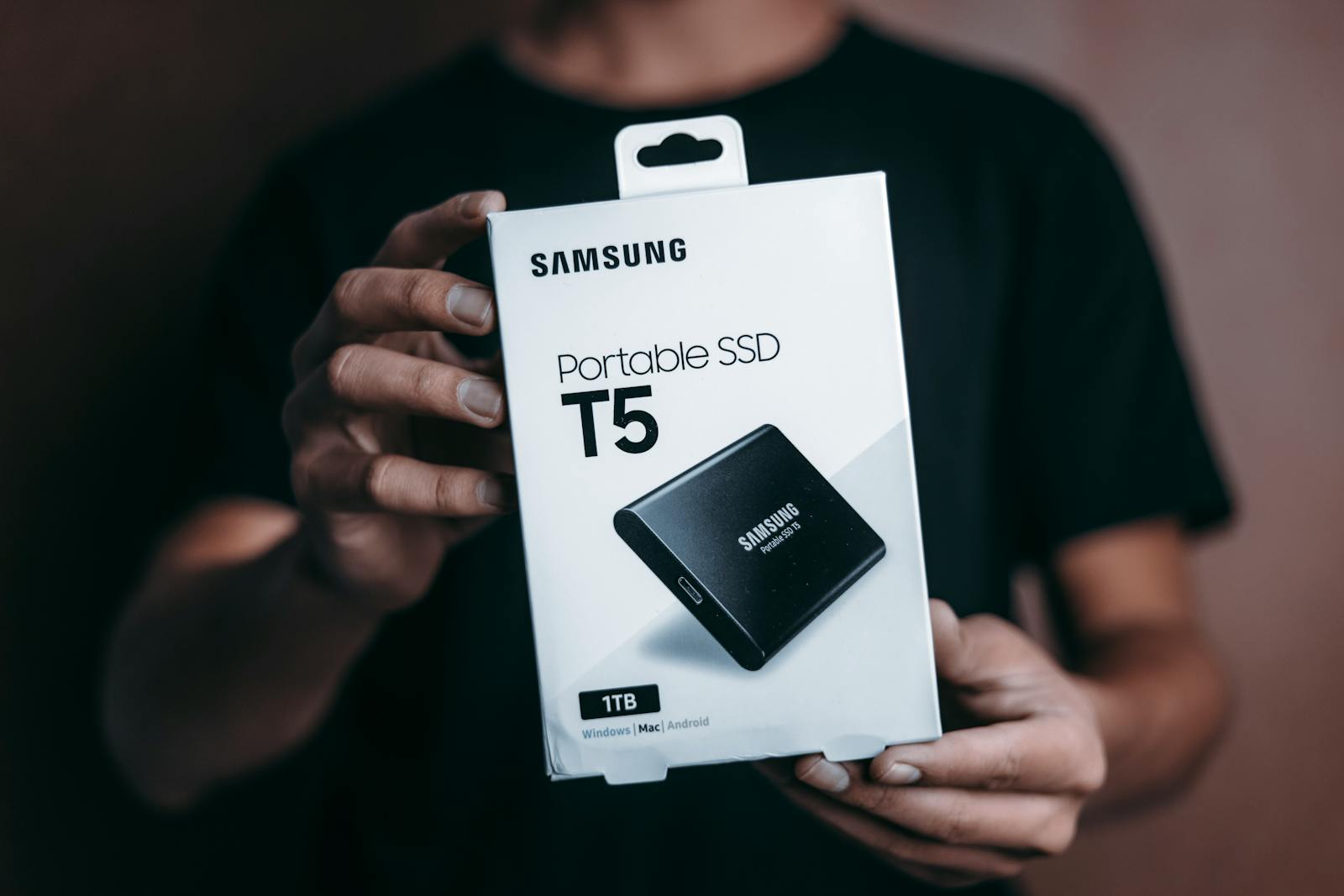
Photo: Samsung portable SSD in hand by Jibaro Foto on Pexels.