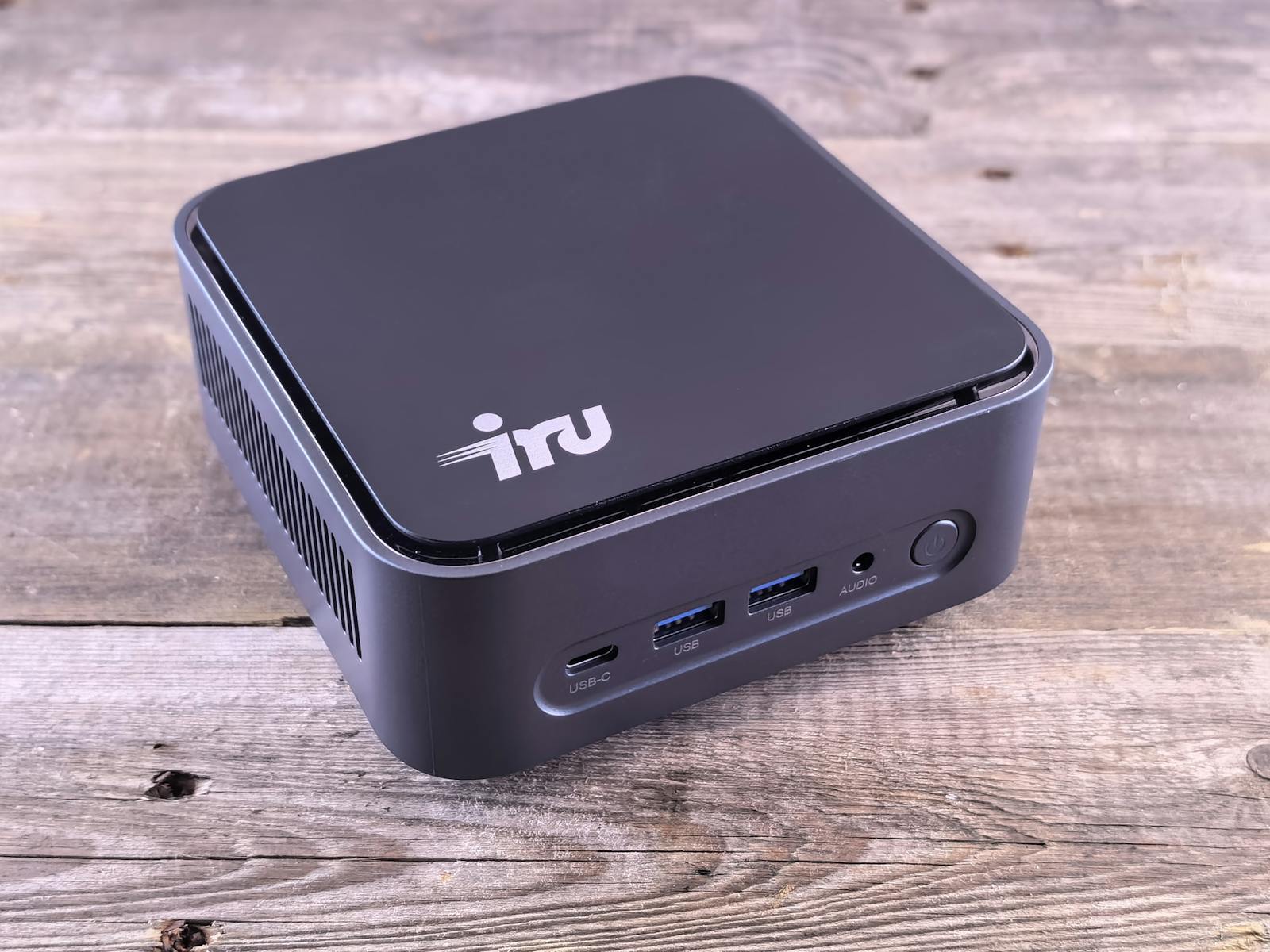
People build a homelab and immediately start with three drives, four NUCs, a 10GbE switch, Proxmox cluster — an installation that takes a weekend, costs $1,500, and breaks within a month because there’s too much to keep working. The home-server alternative is the “boring” build: one mini-PC, one drive, two open-source utilities, no clustering, no virtualization layer. Costs $250. Survives 5 years untouched. Does 90% of what people built the elaborate version for.
This is the build I run at home: an N100 mini-PC, a single 4 TB drive, LUKS for full-disk encryption, ZFS-on-root for snapshots / rollback. ~30 minutes to set up. Hosts Plex, Home Assistant, Pi-hole, restic backups, Wireguard, a couple of Docker containers, Syncthing — all comfortably on one box.
The hardware
- Mini-PC with Intel N100 / N150 / N305 — ~$150-200 used or $200-260 new (Beelink S12, GMKtec G3, MINISFORUM UN150, etc). 6 W idle, 12 W under load. Quiet to silent. Two NVMe slots, two SATA, four USB-3.
- 16 GB RAM — one stick, easy to upgrade later. The N100 supports 16 GB officially; many boxes accept 32 GB unofficially.
- Two storage devices — one 500 GB NVMe (the boot/root drive) and one 4 TB SSD or HDD (the “data” drive). Single drives, not RAID. RAID is not a backup; backups are a backup. (More on this below.)
- UPS optional but cheap — CyberPower 850VA for $100. Saves you from a corrupted ZFS pool when the power flickers.
Total: ~$400 if you build new, ~$250 if you already have an older mini-PC.
The OS choice: Ubuntu Server LTS, ZFS-on-root
Ubuntu’s installer has supported ZFS-on-root since 22.04. It’s the simplest path to “I have ZFS snapshots of my entire OS, and I can roll back if something breaks.”
- Boot the Ubuntu Server 24.04 (or 26.04 if available) installer.
- At storage layout, pick Custom storage layout → Use ZFS. Tick Encrypt the LUKS group. Set a strong passphrase you’ll remember.
- Pick the NVMe drive. The installer creates: a 1 GB EFI partition, a small
/bootZFS pool, and a LUKS-encrypted root pool. - Reboot. The system asks for the LUKS passphrase at boot, then comes up. SSH in.
You now have an encrypted root with ZFS snapshots. Verify:
zpool list
# NAME    SIZE   ALLOC   FREE   FRAG  ...
# rpool   458G   2.34G   456G    1%

zfs list -t snapshot
# (initially empty; we'll create snapshots next)
The 4 TB data drive: also LUKS
The second drive is for “everything that isn’t the OS” — media, Plex library, photos, restic destination, Docker volumes. Encrypt it too, but with a key file unlocked by the (already-typed) root passphrase, so it auto-unlocks at boot.
# Generate a 4 KB random keyfile, store on the encrypted root
sudo dd if=/dev/urandom of=/root/.data-key bs=4096 count=1
sudo chmod 600 /root/.data-key

# Format the data drive with LUKS
sudo cryptsetup luksFormat /dev/sda --key-file=/root/.data-key

# Add a passphrase fallback (in case keyfile is lost)
sudo cryptsetup luksAddKey /dev/sda --key-file=/root/.data-key

# Open + format with ZFS
sudo cryptsetup luksOpen /dev/sda data --key-file=/root/.data-key
sudo zpool create -o ashift=12 datapool /dev/mapper/data
sudo zfs create datapool/media
sudo zfs create datapool/photos
sudo zfs create datapool/backups

# Auto-unlock at boot via /etc/crypttab:
echo "data UUID=$(blkid -s UUID -o value /dev/sda) /root/.data-key luks" \
  | sudo tee -a /etc/crypttab
Reboot — the root drive prompts for the passphrase, the data drive auto-unlocks via the keyfile that’s now readable on the unlocked root.
ZFS snapshots: the killer feature
This is what makes ZFS worth the “why not ext4” tax. Snapshots are atomic, instant, free until they diverge. Set up automatic snapshotting with zfs-auto-snapshot:
sudo apt install zfs-auto-snapshot

# Default schedule:
# - hourly snapshots (24 retained)
# - daily (7)
# - weekly (4)
# - monthly (12)

# Verify it's running:
zfs list -t snapshot rpool/ROOT/ubuntu_xxxxx | head
# rpool/ROOT/ubuntu_xxxxx@zfs-auto-snap_hourly-2026-04-30-1100  ...
# rpool/ROOT/ubuntu_xxxxx@zfs-auto-snap_hourly-2026-04-30-1200  ...

# Rolling back:
# - From the live system: `zfs rollback <snapshot>`
# - From a broken system: boot with the LiveUSB, import pool, rollback,
#   reboot. Five minutes. The state from before whatever broke is back.
Why one drive instead of RAID
RAID solves “a drive failed, my server stays up.” It does not solve “the OS got ransomwared and the bad data is now mirrored across all my drives.” It does not solve “I deleted the wrong file.” Backups solve both. So if you can only afford one of them, pick backups.
Single-drive + ZFS snapshots + offsite backups (restic to B2 / Storj / Hetzner Storagebox) is genuinely better posture than RAID-1 with no backup, and significantly cheaper. The SLA is “if the drive fails, restore from offsite, the server is back in 4 hours.” That’s fine for a home server.
What runs on it
Single Docker daemon, ~10 containers, all storing data under /datapool/...:
- Plex / Jellyfin (media)
- Home Assistant
- Pi-hole
- Syncthing
- Vaultwarden
- Uptime Kuma
- WireGuard (or Tailscale)
- Listmonk for the personal newsletter
- Caddy as the reverse proxy in front of all of the above
Idle CPU: 4-6%. Idle RAM: 4 GB used out of 16. Power: 9 W. The whole stack does what most people elaborate-Proxmox-cluster their way to, on hardware that fits in a coat pocket.
The 5-year plan
- Year 1-2: nothing changes. The box just runs.
- Year 3: storage starts feeling tight. Replace the 4 TB SSD with an 8 TB. ZFS supports this in-place —
zpool replace datapool /dev/old /dev/new, wait for resilver, done. - Year 4-5: maybe upgrade the mini-PC for newer Intel iGPU (better Plex transcoding) or AMD APU. The data drive moves over to the new box; ZFS pool imports cleanly.
The reason this build “ages well” is that there’s almost nothing in it that can break in surprising ways. One drive, one OS, one filesystem, one container runtime. The complexity surface is small enough to keep in your head. That’s the actual goal.
Photo: Mini PC on a wooden surface by zeleboba on Pexels.