Tag: incident-response

Security, Tutorials, WordPress

The ‘fake plugin’ WordPress malware family: how to spot random-named directories in bulk

A row of blue and orange CASSA-brand office binders neatly stacked on a shelf — visual metaphor for plugin directories that look identical on the outside but may contain very different things inside (photo: zulfugarkarimov / Pexels)

One of the most common WordPress malware patterns I’ve cleaned in the last two years isn’t a webshell or a credential stealer — it’s a “fake plugin” or “fake theme.” The attacker creates a directory in wp-content/plugins/ or wp-content/themes/ with …


Security, Tutorials, WordPress

The one SQL query that catches almost every backdoor admin in WordPress

Close-up of WordPress JavaScript source code displaying themes:update functions and wp.updates handlers — typical view when auditing WordPress code (photo: Markus Spiske / Pexels)

If a WordPress site of yours has been compromised — even briefly, even silently — there’s a very good chance it now has at least one administrator account that you didn’t create. Most WP malware families plant one as part …

Security, Sysadmin, WordPress

Get WordPress off MySQL root: per-site users in one Python loop

A single key resting in a locker door, symbolizing per-site database credentials with no shared master key (photo: Jakub Zerdzicki / Pexels)

If you run more than one WordPress site on a single server and every wp-config.php has DB_USER = 'root', your eight sites are effectively one site as far as a compromise is concerned. One vulnerable plugin on any of …

Sysadmin, Tutorials, WordPress

Recovering a malformed wp_options.active_plugins: the SQL REPLACE() trap and how to rebuild

A nearly-complete white jigsaw puzzle with one piece sitting outside its slot, exposing the blue surface beneath — visual metaphor for one wrong byte breaking the whole serialized array (photo: Mike Van Schoonderwalt / Pexels)

You have a WordPress site that’s returning HTTP 200, the homepage renders, but something’s quietly off. WooCommerce features aren’t loading. LiteSpeed Cache settings page is empty. The Mailpoet sender isn’t sending. None of these would normally fail at the same …

Security, Tutorials, WordPress

The .hph extension trick: how WordPress malware survives cleanups by shadowing .php files

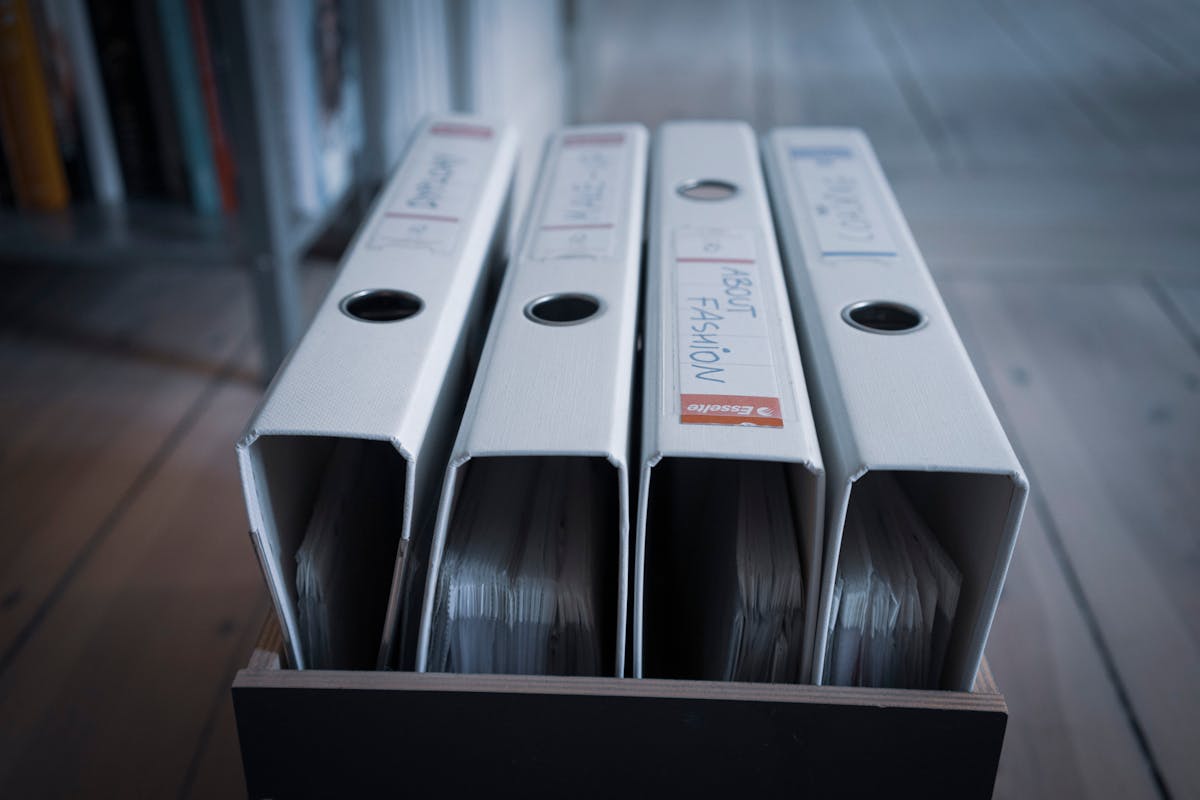
Four nearly identical white binders standing in a wooden box, suggesting how easy it is to overlook a slightly differently-named file in a directory listing (photo: Mateusz Dach / Pexels)

You clean a WordPress malware infection. You find every .php file with the suspicious signature, quarantine it, restore from backup, harden the site. Three weeks later the same backdoor is back. Same filename, same content, same behavior. You’re sure you …

Security, Tutorials, WordPress

Wordfence forensics: mining wp_wfhits and wp_wfissues to reconstruct a breach timeline

Top-down view of two detectives examining black-and-white photos and fingerprint cards on a desk — visual metaphor for piecing together a breach timeline from log evidence (photo: RDNE / Pexels)

If you’re cleaning up a WordPress compromise and the site has Wordfence installed, you have more forensic data than you think. Even on the free plan, Wordfence quietly logs every blocked request, every plugin-vulnerability advisory, every flagged file, and every …

Security, Tutorials, WordPress

Detecting and cleaning the DOLLY WordPress mu-plugin backdoor

Hooded figure with neon mask holding tablet displaying 'Uploading Virus' progress bar — visualizing the DOLLY WordPress mu-plugin backdoor exfiltrating credentials

Last week I cleaned a six-site WordPress compromise on one of my OpenLiteSpeed boxes. The most interesting payload was the “DOLLY” mu-plugin family — a credential-harvesting backdoor that hides itself with a few clever tricks and survives most casual cleanups …

Security, Tutorials, WordPress

Rotating WordPress salts as incident response: the step everyone skips

Close-up of a metal combination lock with rotating numeric dials — visual metaphor for rotating WordPress salts to a new secret combination (photo: Felix Moeller / Pexels)

You’ve cleaned the malware files, deleted the backdoor admin accounts, rotated everyone’s password. The site is fine, you’re fine. Three weeks later someone logs in with a session cookie they grabbed during the compromise window and creates a fresh admin …