The wp_options.siteurl hijack: how a one-row UPDATE redirects every visitor and how to spot it before Google does

Metal directional arrow plate on a wooden floor — photo by Max Laurell on Pexels

One of the simplest, oldest, and still most effective WordPress compromises is a single SQL update. The attacker gets one query into your database — through any RCE, SQLi, or stolen-credential path — and runs:

UPDATE wp_options
   SET option_value = 
fail2ban vs CrowdSec on a small VPS: where the rule sets overlap, where they fight each other, and how to pick one without re-banning everything

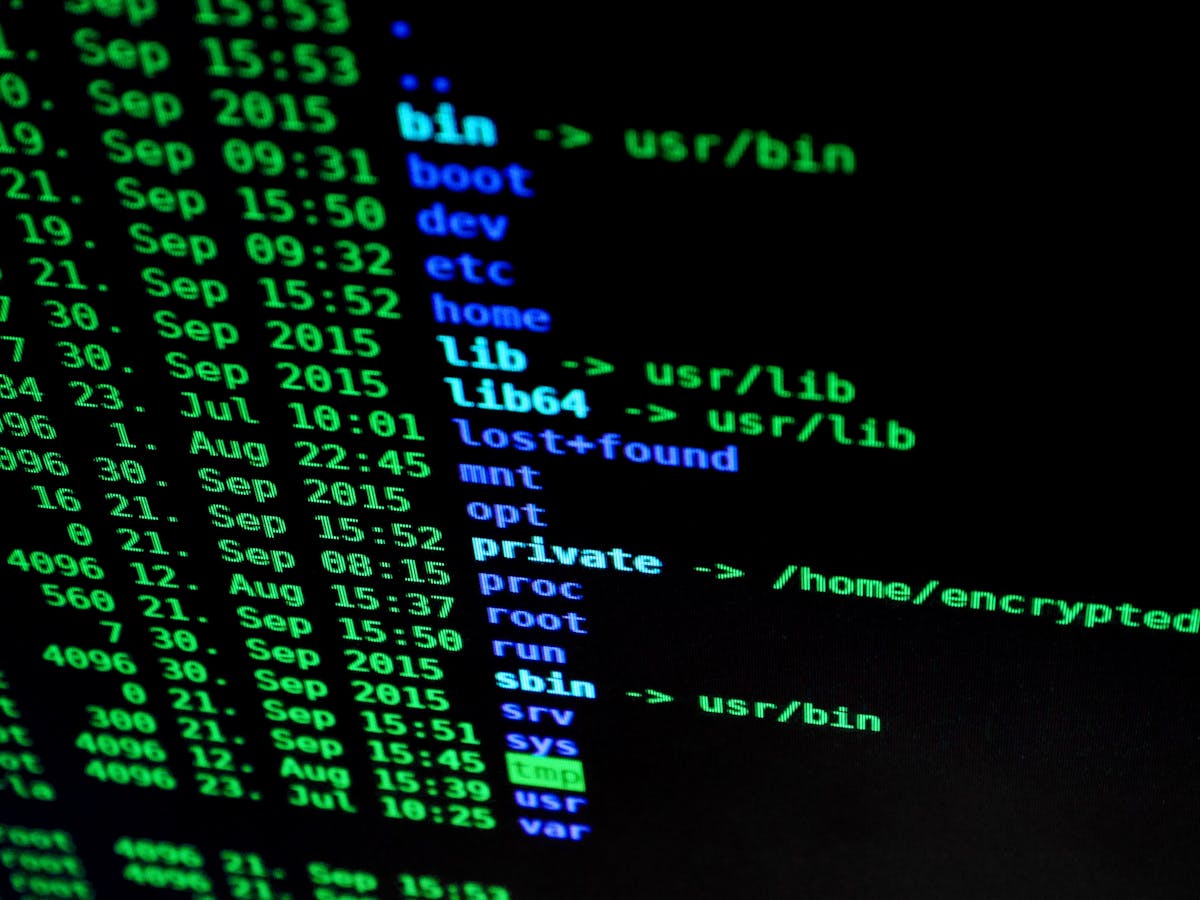
Terminal screen showing system logs and security monitoring output — photo by Tima Miroshnichenko on Pexels

I’ve been running fail2ban on this Oracle box since the day I provisioned it. Six months ago I added CrowdSec because I wanted the community blocklist for SSH brute-force IPs. For three months they coexisted and I assumed it was …

Block PHP execution in wp-content/uploads on OpenLiteSpeed: the right .htaccess snippet

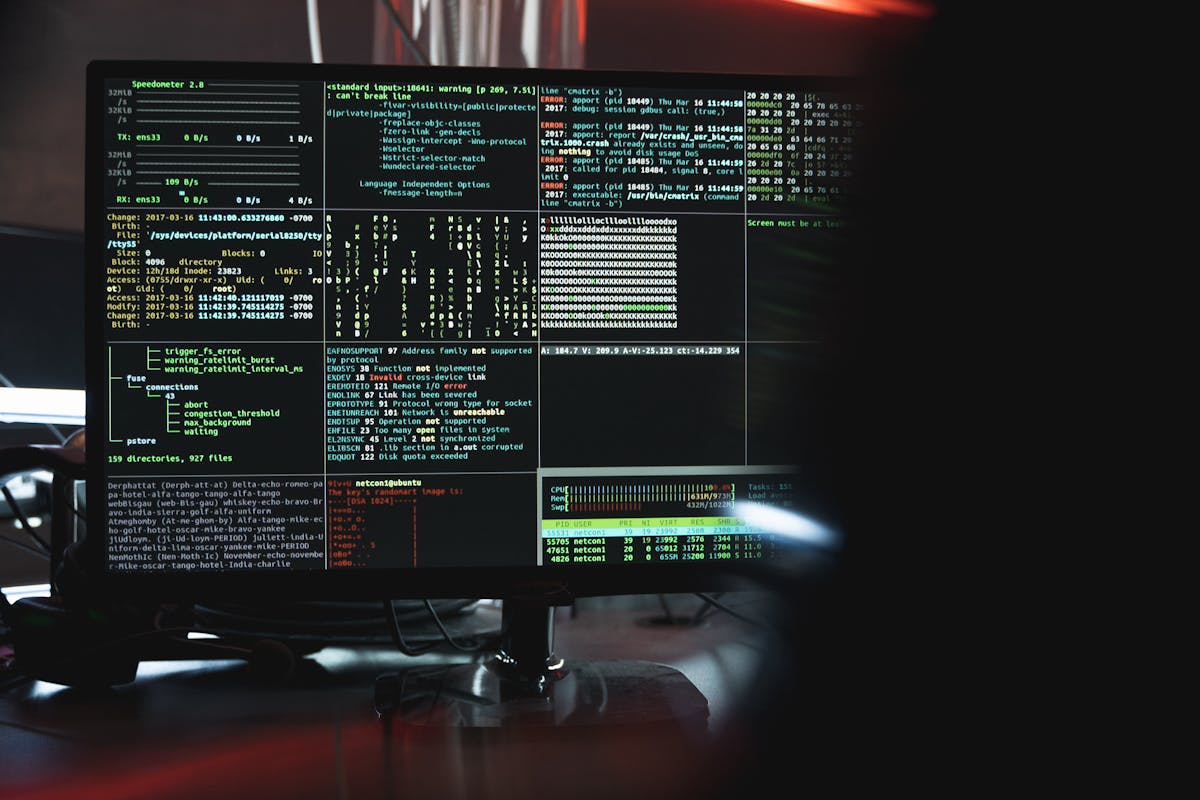
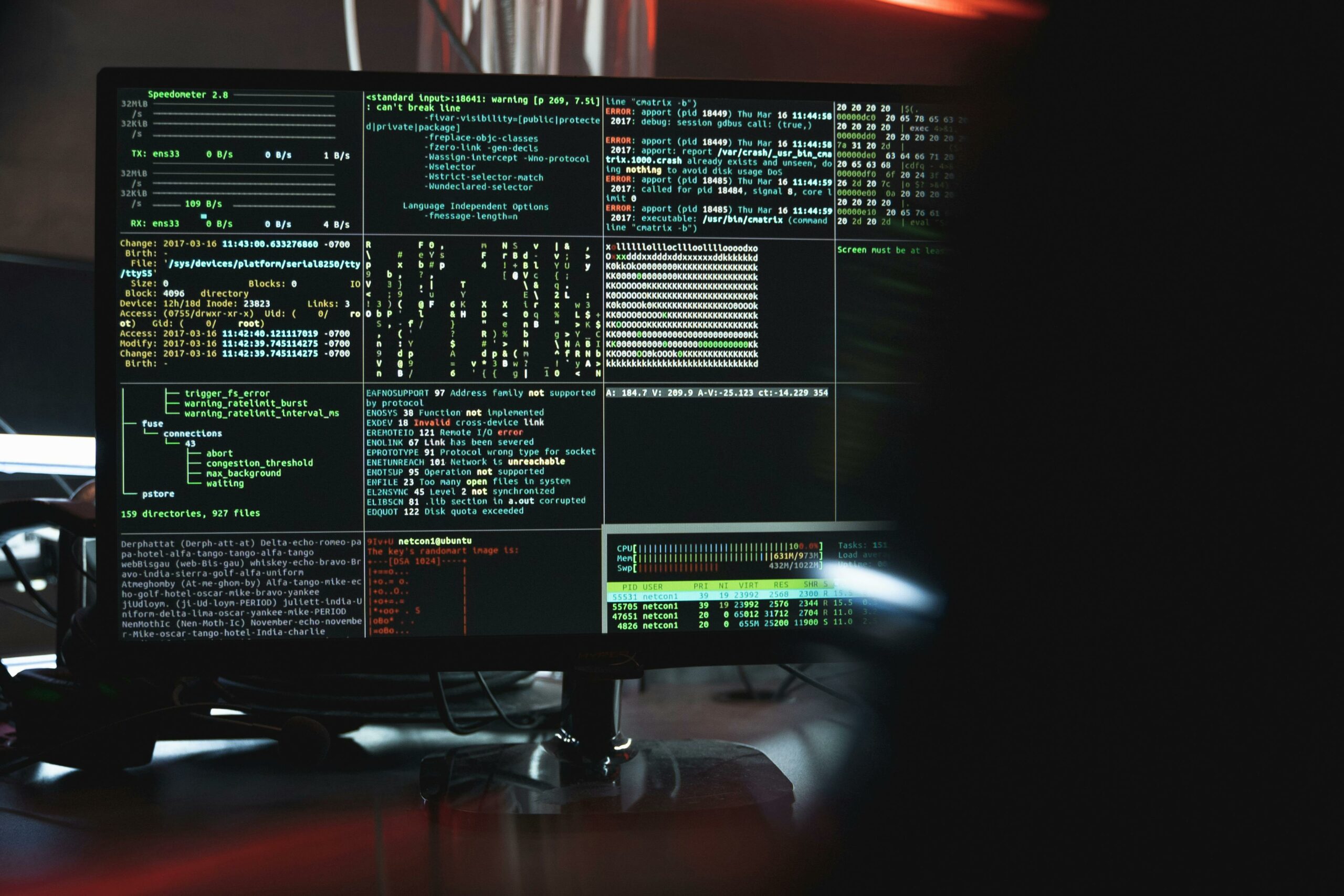
Computer monitor displaying terminal output: system metrics, file listings, and kernel error messages — typical sysadmin view (photo: Tima Miroshnichenko)

wp-content/uploads/ is the most predictable target on a WordPress install. It’s writable by the web server (so any compromise that gets a file uploaded lands here), it’s almost never inspected by malware scanners with the same vigilance as wp-includes/, …

The .hph extension trick: how WordPress malware survives cleanups by shadowing .php files

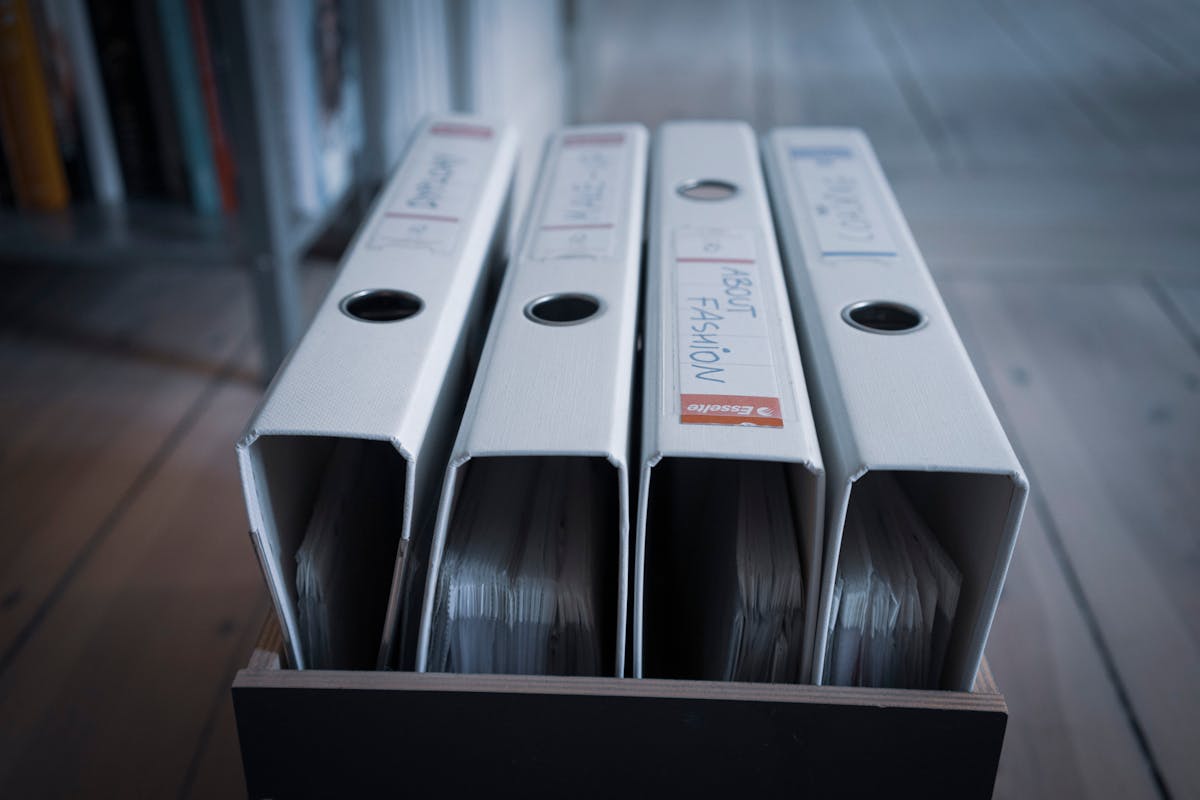
Four nearly identical white binders standing in a wooden box, suggesting how easy it is to overlook a slightly differently-named file in a directory listing (photo: Mateusz Dach / Pexels)

You clean a WordPress malware infection. You find every .php file with the suspicious signature, quarantine it, restore from backup, harden the site. Three weeks later the same backdoor is back. Same filename, same content, same behavior. You’re sure you …

Wordfence forensics: mining wp_wfhits and wp_wfissues to reconstruct a breach timeline

Top-down view of two detectives examining black-and-white photos and fingerprint cards on a desk — visual metaphor for piecing together a breach timeline from log evidence (photo: RDNE / Pexels)

If you’re cleaning up a WordPress compromise and the site has Wordfence installed, you have more forensic data than you think. Even on the free plan, Wordfence quietly logs every blocked request, every plugin-vulnerability advisory, every flagged file, and every …

Detecting WordPress malware via reverse-DNS lookups on outbound POST requests: 30 lines of bash that catches exfil

Network switch with active port LEDs and ethernet cables — photo by Pixabay on Pexels

The interesting thing about WordPress malware in 2026 is that most of it doesn’t try to hide on disk anymore. Filesystem scanners catch the obvious things — random PHP at webroot, .hph extension shadows, polyglot images. The newer payloads live …