You manage five servers. Each has a different SSH key in ~/.ssh/authorized_keys from the day you set it up — one’s an old id_rsa from 2018, two have your laptop’s current ed25519 key, one has an ancient ECDSA key from a coworker who left, and one has both your laptop key and your phone’s mobile-SSH-app key. You want to add a YubiKey, rotate off the RSA key, and stop having to remember which key is on which server.
SSH key management on a small fleet is the kind of thing that’s almost-fine until it isn’t. This post is the setup I’ve settled on for one-person infrastructure: ed25519 everywhere, a YubiKey FIDO2 key for the most-sensitive boxes, ssh-agent caching, ProxyJump for bastion hops, and the one rule about agent forwarding that prevents the most common SSH-related foot-gun.
Step 1 — kill RSA, use ed25519 for everything new
# on each device that needs to SSH out
ssh-keygen -t ed25519 -a 100 -C "$(whoami)@$(hostname)-$(date +%Y)"
# -a 100 = 100 rounds of KDF, makes brute-force on the encrypted key file harder
# -C tag identifies which device made this key — useful when auditing authorized_keys

cat ~/.ssh/id_ed25519.pub  # this is what you copy to servers
ed25519 has been universally supported on every OpenSSH version since 6.5 (2014). If you have a server somewhere that doesn’t accept ed25519, it’s running an OpenSSH so old that you have other problems. The keys are tiny (a few hundred bytes each), the math is fast, and there are no known practical attacks.
Don’t generate one ed25519 key and reuse it on every device — generate one per device. The point of the per-device key is that if your laptop is stolen, you revoke that key on every server, and your phone’s key still works. With one key everywhere, theft means full re-keying.
Step 2 — ssh-agent + IdentitiesOnly
Once you have multiple keys (laptop + YubiKey + maybe a backup key), ssh-agent stops being optional. Without it you’ll be re-typing your passphrase every connection. With it configured wrong, you’ll be sending every identity to every server you connect to, which can lock you out (most servers reject you after 6 wrong key offers, even if the right one was 7th).
# ~/.ssh/config — explicit, per-host
Host *
    AddKeysToAgent yes
    UseKeychain yes              # macOS only, stores passphrase in Keychain
    IdentitiesOnly yes           # CRITICAL — only offer the key listed for this host

Host github.com
    IdentityFile ~/.ssh/id_ed25519

Host my-prod-box
    HostName 1.2.3.4
    User deploy
    IdentityFile ~/.ssh/id_ed25519_yubikey   # this host requires YubiKey

Host home-nas
    HostName 192.168.1.10
    User rehmat
    IdentityFile ~/.ssh/id_ed25519
IdentitiesOnly yes is the line that prevents the “tried too many keys, locked out” failure mode. With it set, OpenSSH only offers the key listed in IdentityFile for that host pattern, never anything else from the agent.
Step 3 — YubiKey FIDO2 for the boxes that matter
OpenSSH 8.2+ supports FIDO2 hardware keys natively. The private key never leaves the YubiKey — your computer holds only a “key handle” that the YubiKey uses to derive the actual key when you tap the touch sensor. If your laptop is stolen but the YubiKey is in your pocket, the attacker has nothing usable.
# generate a YubiKey-resident ed25519 key
ssh-keygen -t ed25519-sk -O resident -O application=ssh:server-fleet
# resident = the key handle is stored on the YubiKey itself, so you can use this
#            same YubiKey on a fresh laptop without the original .pub file.
# application= = a namespace tag; useful if you want multiple SSH keys on one YK.
This produces ~/.ssh/id_ed25519_sk (key handle) and ~/.ssh/id_ed25519_sk.pub (public key — copy this to your servers). Every connection requires a touch on the YubiKey. The phrase you’ll see when it’s waiting: Confirm user presence for key ED25519-SK ... — tap the gold disc.
Reserve YubiKey for the boxes where compromise would be catastrophic — production, the box that holds your DNS records, the one with your billing API tokens. For a NAS or a development VPS, a passphrase-protected ed25519 key in ssh-agent is fine.
Step 4 — ProxyJump beats agent forwarding
If you have a bastion host (jump box), the old way to reach machines behind it was ssh -A jumpbox followed by ssh internal-box from there. The -A forwards your ssh-agent socket to the jumpbox, so the inner box can see your keys.
This is a security trap. Anyone who’s root on the jumpbox can use that forwarded socket while you’re connected. Real attacker scenarios from agent-forwarding gone wrong are well-documented (matrix.org, 2019).
The right answer is ProxyJump (-J on the command line, ProxyJump in the config). It tunnels the SSH connection itself through the jump host without exposing your agent on the jump host:
Host jumpbox
    HostName bastion.example.com
    User rehmat
    IdentityFile ~/.ssh/id_ed25519

Host internal-*
    User deploy
    IdentityFile ~/.ssh/id_ed25519
    ProxyJump jumpbox
Now ssh internal-app1 hops through bastion automatically, the inner box sees your real client (not the bastion), and your private key never touches bastion’s memory. Authentication happens end-to-end with the real target.
Step 5 — when agent forwarding is genuinely the right choice
There’s exactly one case I’d still use ForwardAgent for: git operations on a remote machine where you trust root.
- You SSH’d into a build server.
- You need to clone a private repo from GitHub from that build server.
- You don’t want to copy your GitHub deploy key onto the build server.
That’s a legitimate use of ForwardAgent yes, scoped narrowly:
Host build-server
    ForwardAgent yes
    # only this host — never globally with Host *
Pair it with ssh-add -c ~/.ssh/id_ed25519 when adding the key to the agent — the -c flag means every use of the key requires confirmation, so even if a malicious build-server tries to use your forwarded agent, you’ll see a confirmation prompt and know something is wrong.
Step 6 — auditing what’s where
Once a year, on every server I manage, I run:
cat ~/.ssh/authorized_keys
# Every line should have a trailing comment naming the device + year.
# If a line lacks a comment or names a device you don't have anymore — remove it.
That trailing comment from ssh-keygen -C is the audit handle. Without it, an old key on an old server looks identical to a current one and you’ll never know to remove it. The five minutes you spent on the comment when generating the key is repaid tenfold every time you do this audit.
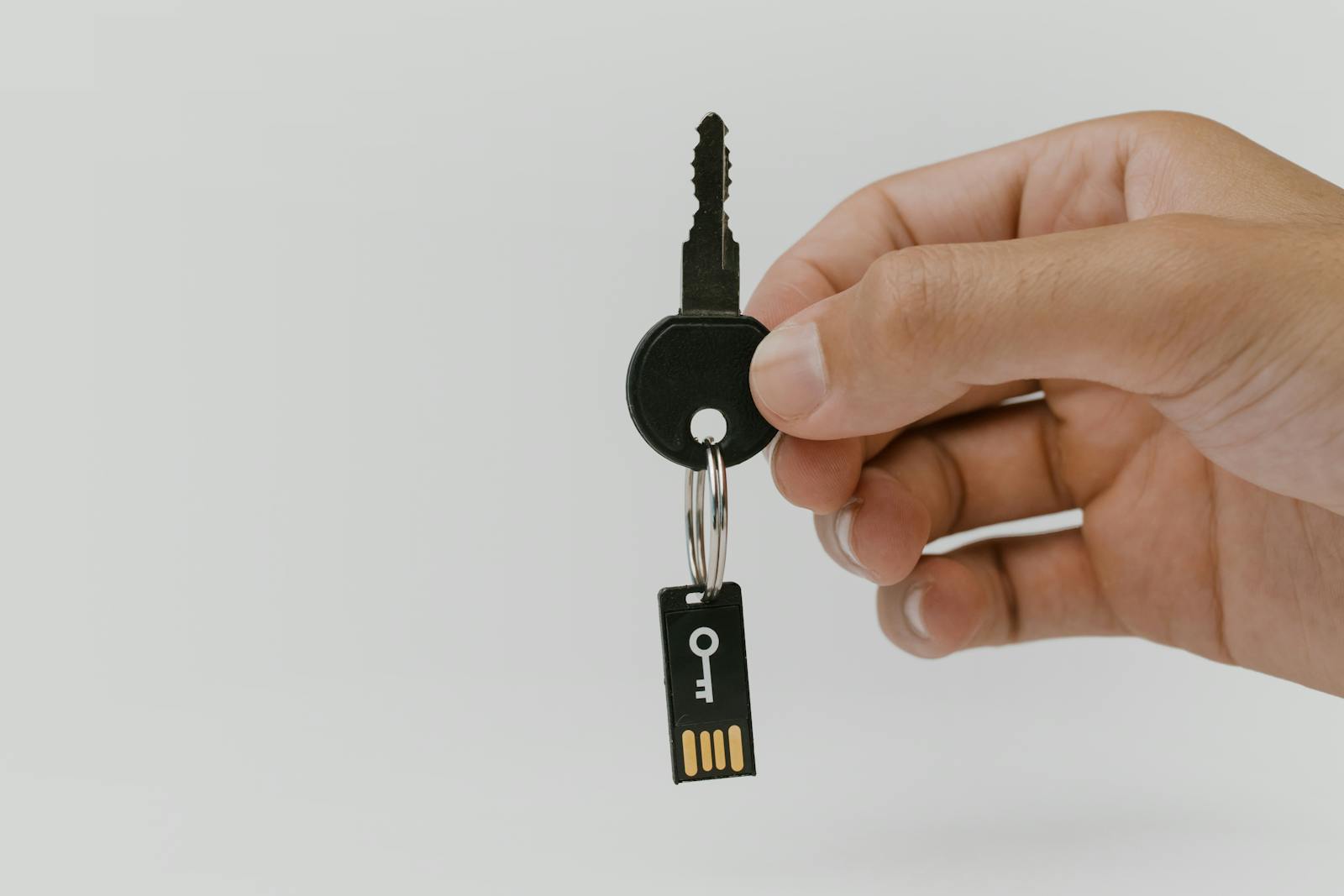
Photo: Physical key and USB security key on a keyring by cottonbro on Pexels.